
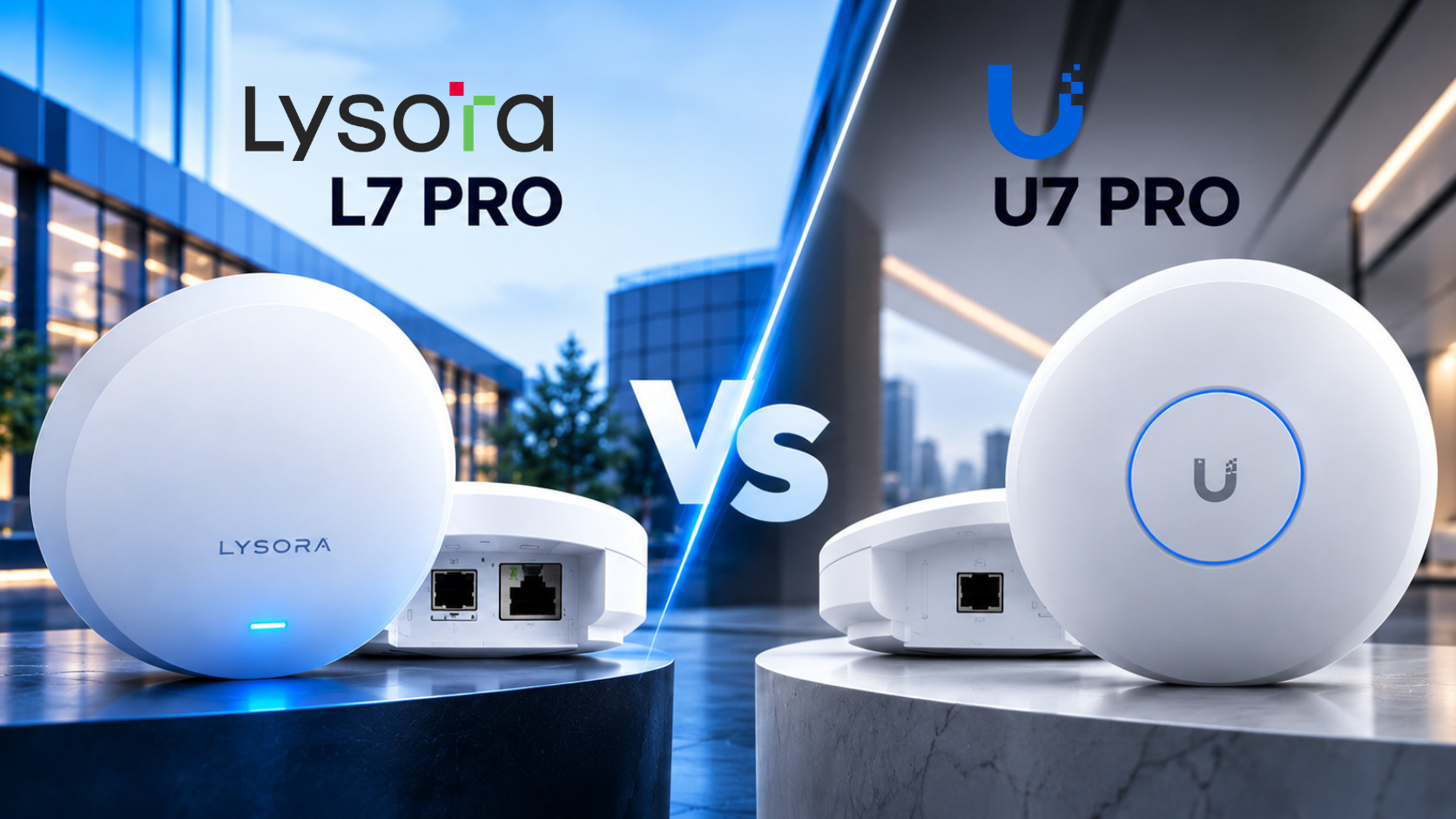
Lysora L7 Pro vs. UniFi U7 Pro:
Battle of the Best Wi-Fi 7 Access Point
An installer-focused comparison of wireless performance, network capacity, connectivity, and long-term value for commercial projects.
Side-by-Side Technical Specifications
| Feature | Lysora L7 Pro (BE14000) | UniFi U7 Pro |
|---|---|---|
| Wi-Fi standard | Wi-Fi 7 / 802.11be | Wi-Fi 7 / 802.11be |
| Bands | 2.4 / 5 / 6 GHz | 2.4 / 5 / 6 GHz |
| Total spatial streams | 8 | 6 |
| MIMO by band | 2×2 / 3×3 / 3×3 | 2×2 / 2×2 / 2×2 |
| 6 GHz max PHY rate | 8,646 Mbps | ~5.8 Gbps |
| 5 GHz max PHY rate | 4,323 Mbps | ~4.3 Gbps |
| 2.4 GHz max PHY rate | 688 Mbps | 688 Mbps |
| Combined theoretical PHY rate | ~13.6 Gbps | ~10.8 Gbps |
| Wired uplink | 10GbE SFP+ and 2.5GbE RJ45 | 2.5GbE RJ45 |
| Published max client count | Up to 600 | 300+ |
| Approx. coverage | 145 m² / 1,560 sq ft | 140 m² / 1,500 sq ft |
| Power | PoE+ (802.3at) or 54V DC adapter | PoE+ |
| Max power consumption | 30 W | 21 W |
| Dimensions | 220 × 220 × 45 mm | 206 × 206 × 46 mm |
| Weight | 1.1 kg | 680 g |
| Management | Lysora Cloud app / web | UniFi Network |
| NDAA compliance (per supplied comparison) | Yes | Yes |
Same Wi-Fi 7. Different Hardware Priorities.
Both products offer tri-band Wi-Fi 7, but their radio configurations and uplink options differ. Here is where the L7 Pro stands out for demanding projects.
More Spatial Streams. More Capacity to Work With.
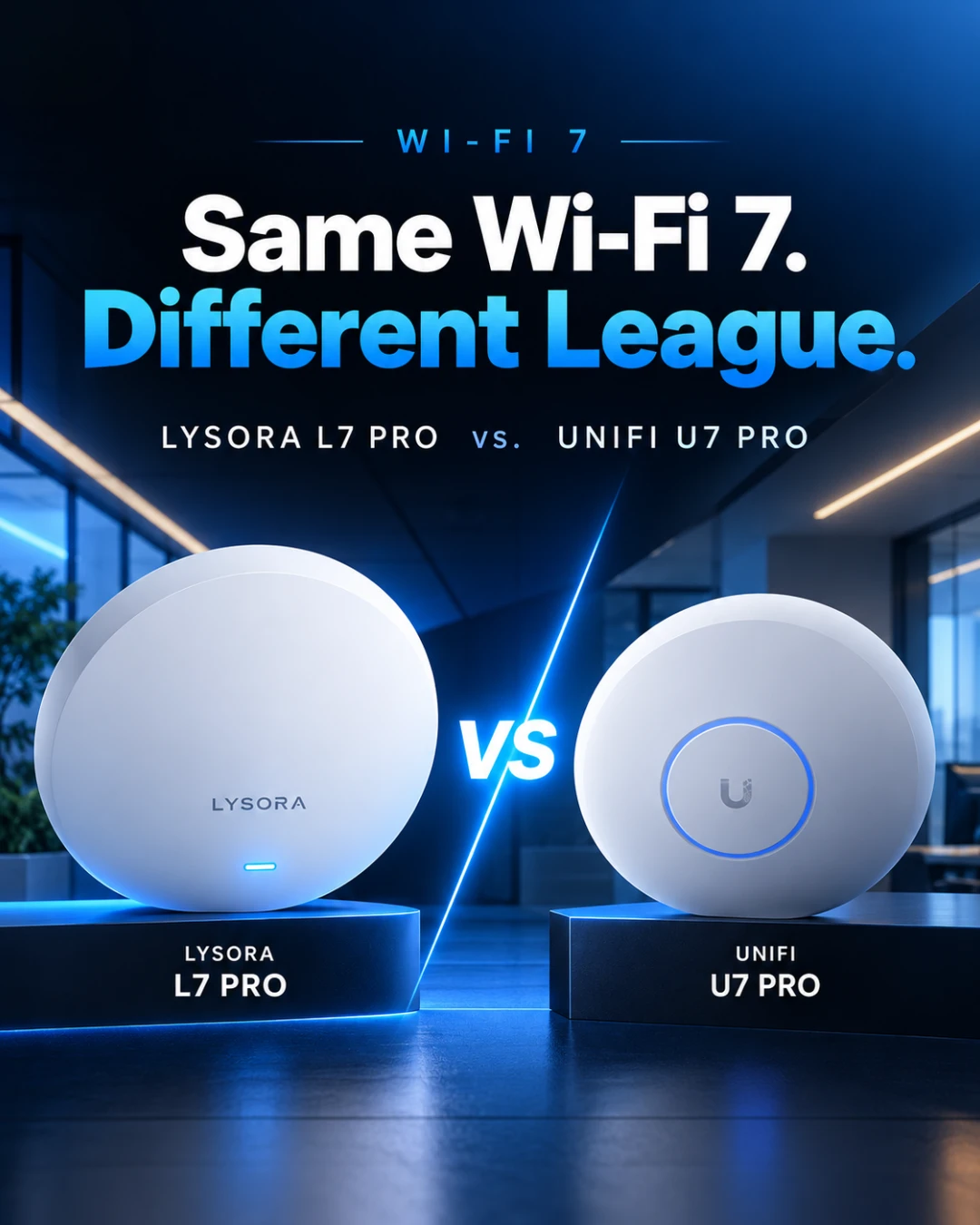
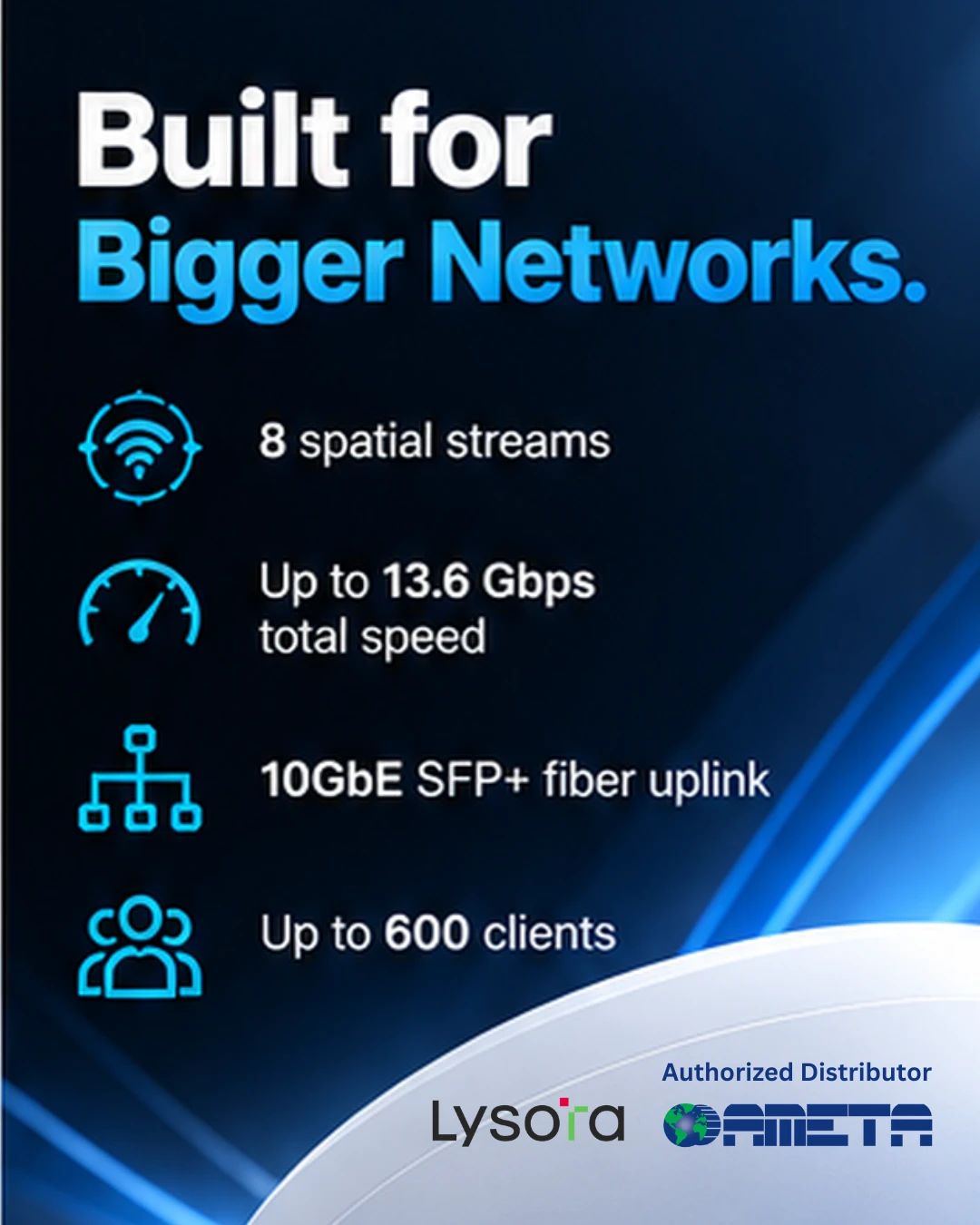
8 vs. 6 spatial streams
Lysora uses 2×2 MIMO at 2.4 GHz and 3×3 MIMO on both 5 GHz and 6 GHz. The U7 Pro uses 2×2 MIMO on all three bands. That gives the L7 Pro 33% more total spatial streams and additional radio resources on the bands most relevant to modern high-throughput Wi-Fi.
What it means for security integrators
For integrators, this matters when access points serve technicians’ tablets, staff laptops, mobile devices and other wireless clients at the same time. Extra streams provide design headroom, although real-world gains depend on client capabilities, interference and configuration.
Lysora wins on published spatial-stream capacity.
Higher Theoretical Wireless Throughput.
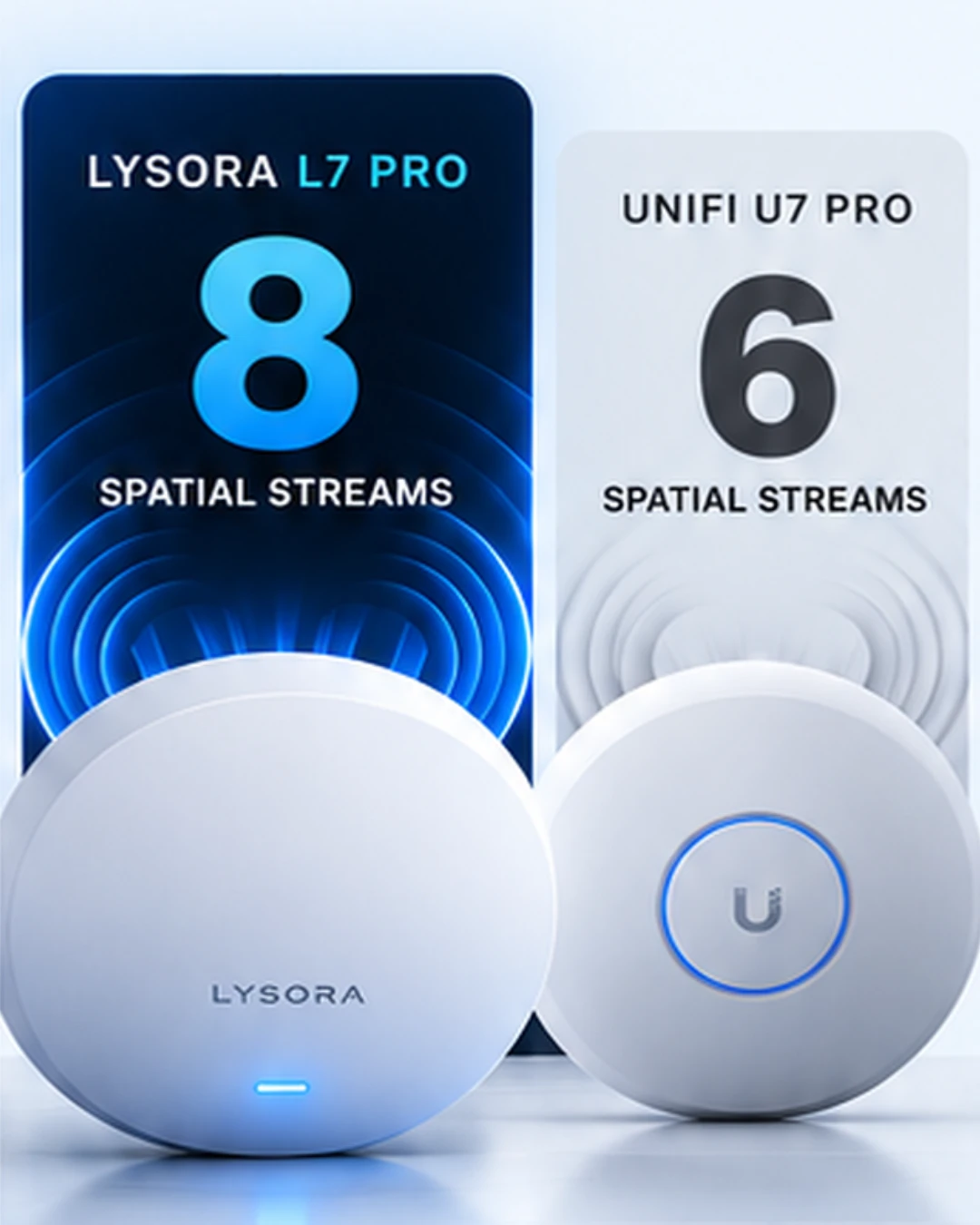
~13.6 vs. ~10.8 Gbps
The L7 Pro is a BE14000-class tri-band Wi-Fi 7 access point, with approximately 13.66 Gbps in combined theoretical PHY rates. The U7 Pro is rated at approximately 10.8 Gbps. The largest distinction is on 6 GHz: 8,646 Mbps versus approximately 5.8 Gbps; 5 GHz is similar at 4,323 versus approximately 4.3 Gbps, and both list 688 Mbps on 2.4 GHz.
What it means for security integrators
Higher aggregate PHY capacity can be valuable when a site mixes office traffic, cloud applications and wireless security-related devices. It does not mean an individual user will achieve 13.6 Gbps or that all bands can be aggregated into one device connection.
Lysora wins on combined advertised PHY capacity.
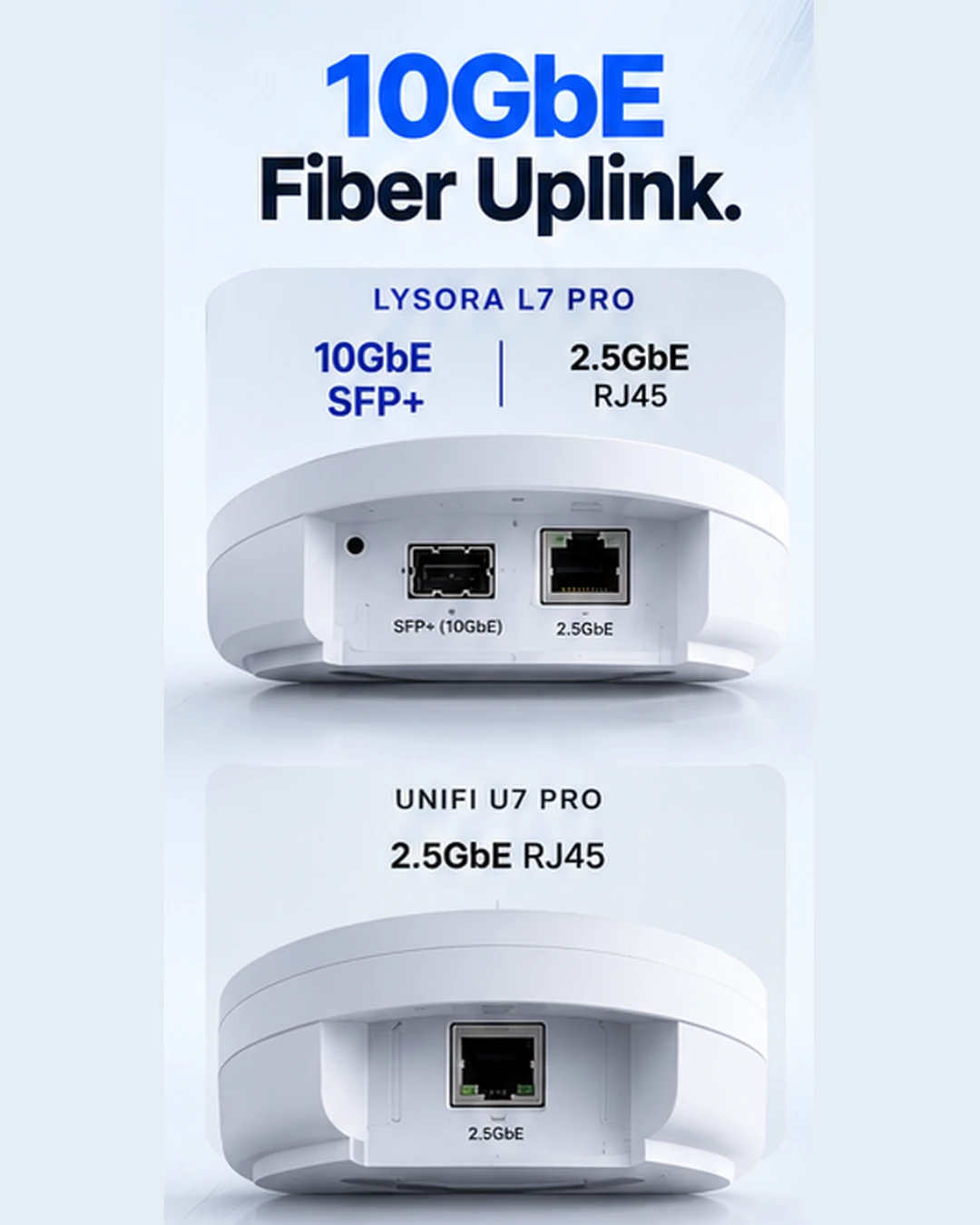
10GbE SFP+ Fiber: A More Flexible Backhaul.
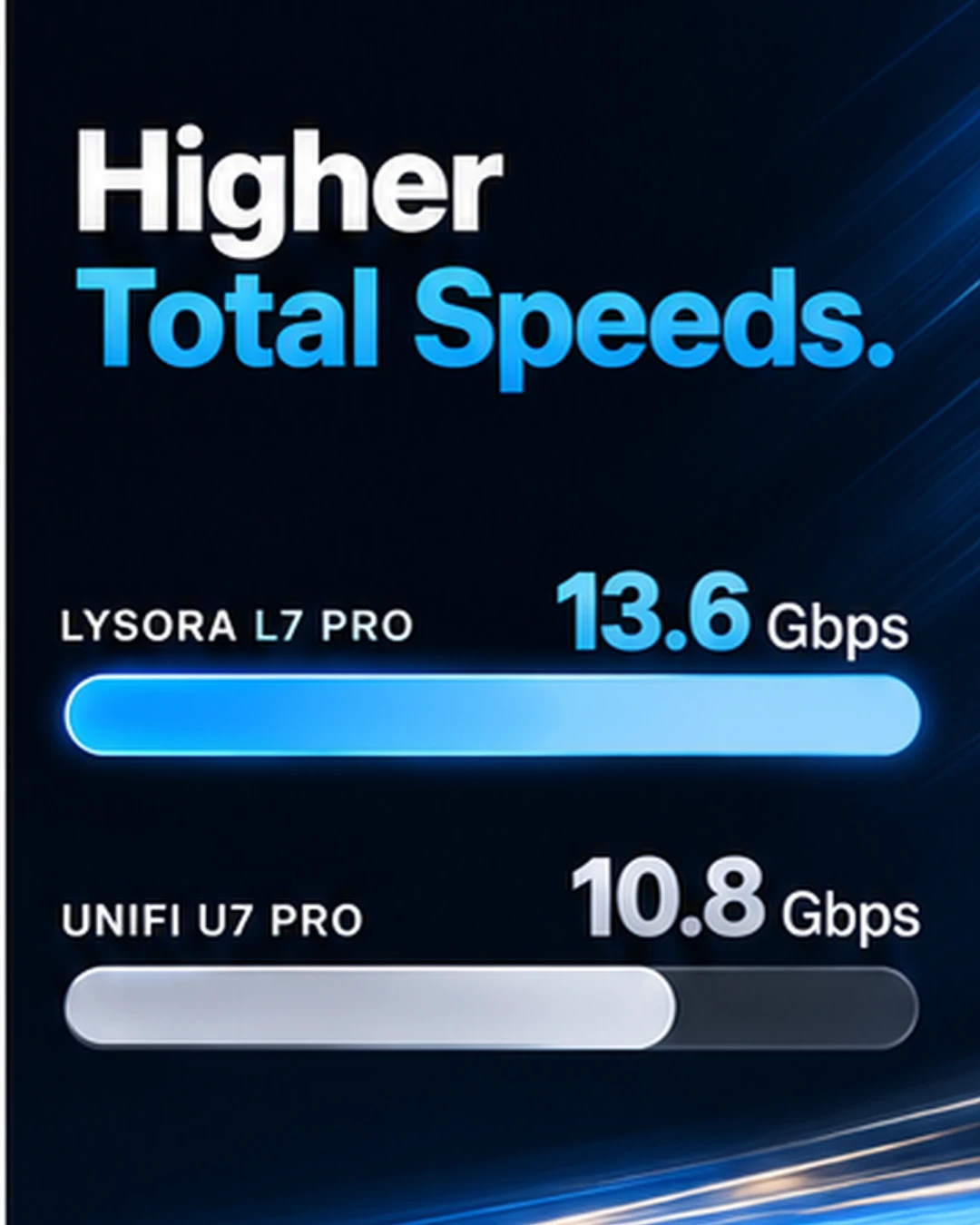
10GbE SFP+ + 2.5GbE RJ45 vs. 2.5GbE RJ45
Lysora includes a 10GbE SFP+ fiber uplink in addition to a 2.5GbE RJ45 connection. The U7 Pro lists one 2.5GbE RJ45 uplink. A higher-speed fiber option can be useful when the switch is located farther away, when fiber is already deployed, or when a site needs more aggregate backhaul headroom.
What it means for security integrators
For CCTV integrators building converged networks, this gives you more options when designing the wireless layer alongside PoE switches, NVRs and other infrastructure. The presence of a 10GbE port does not itself guarantee higher internet or Wi-Fi speeds; the rest of the network must support the design.
Lysora wins decisively on published uplink options.
More Published Client Capacity.
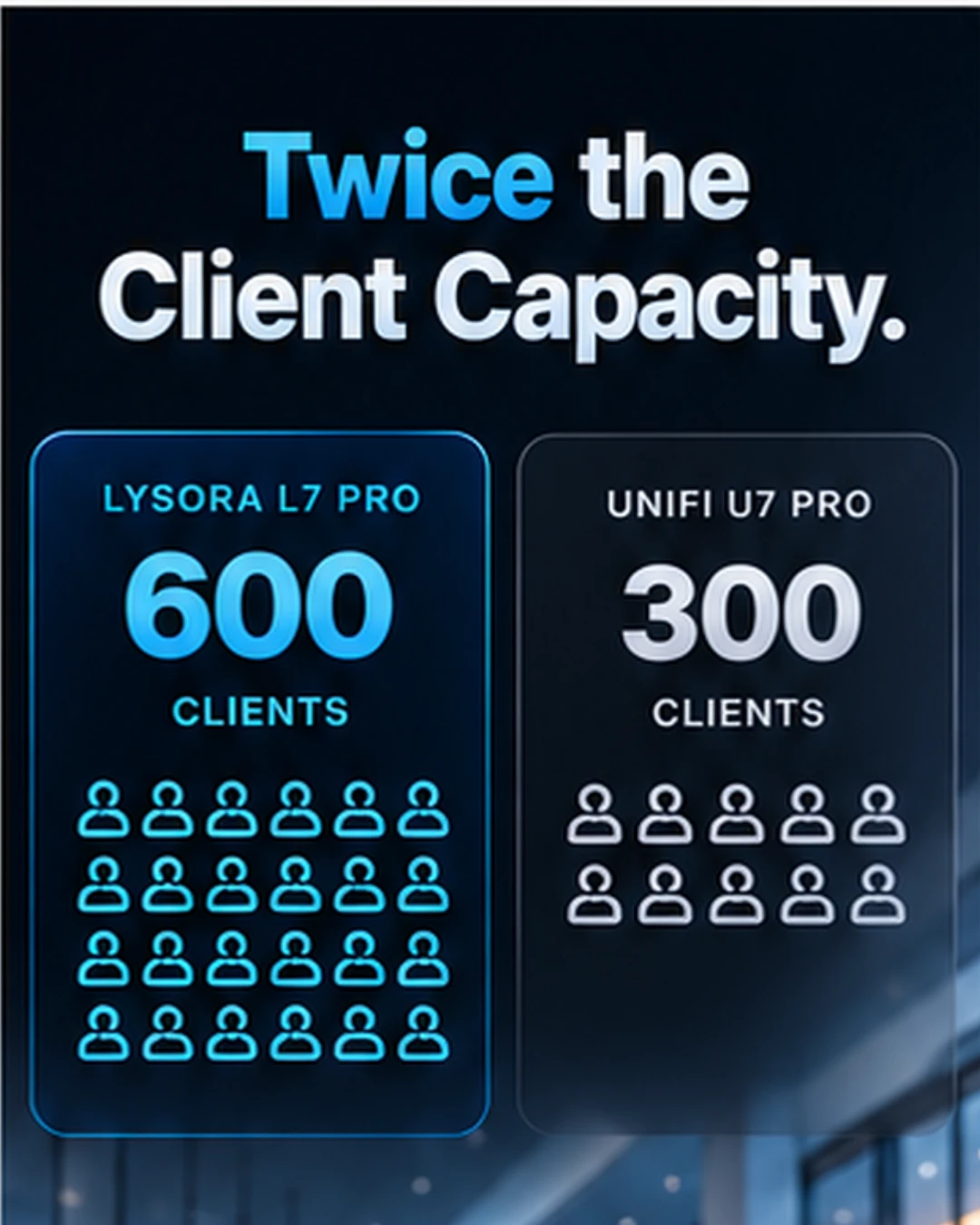
Up to 600 vs. 300+ clients
The attached comparison lists a maximum of 600 concurrent clients for Lysora and 300+ for UniFi. That is a meaningful difference in advertised ceiling, particularly for busy offices, hotels, mixed-use properties and public-facing commercial spaces.
What it means for security integrators
Client count is a planning indicator, not a guarantee of equivalent performance for every connected device. Actual supported load depends on airtime, device mix, application demand and deployment design.
Lysora wins on the stated maximum client figure, subject to real deployment conditions.
More Hardware Capability for the Investment.
A stronger specification package
The L7 Pro combines eight spatial streams, higher aggregate PHY rates, 10GbE SFP+ connectivity and a higher published client ceiling in one access point. Those features can reduce the need to step up to a different hardware tier when a project requires fiber backhaul or more wireless capacity.
What it means for security integrators
For Ameta partners, value is not simply the lowest purchase price. It is the ability to quote the right system, avoid unnecessary compromises, protect project margin and support customers as their networks grow. Lysora also positions its cloud-managed networking around no recurring license fees, which can improve long-term ownership economics where applicable.
Lysora is the stronger feature-value proposition when its partner price fits the project.
What About Management, Coverage and Operating Costs?
Both platforms provide centralized network management: Lysora through its cloud app and web portal, and UniFi through UniFi Network. The supplied specification sheet estimates similar nominal coverage (approximately 145 m² versus 140 m²), so neither product should be selected based on those coverage figures alone. Site surveys, building materials and channel planning matter far more.
Lysora promotes cloud management without recurring software license fees. That can be attractive to integrators standardizing multiple customer sites. However, do not assume UniFi necessarily requires recurring licenses for basic network management: compare the complete bill of materials, hosting or controller requirements, support model and any optional services for each project.
Why Lysora Makes a Stronger Value Case
The L7 Pro’s appeal is the amount of hardware capability in a single unit: additional spatial streams, a higher published wireless PHY ceiling, and a 10GbE fiber uplink. For a commercial integrator, these are tangible design options—not just marketing numbers.
But a true price-to-performance winner requires actual quotes. Ameta provides dealer pricing to qualified partners; the comparison documents do not establish current transaction prices. The most credible sales argument is therefore more high-end capability for your quoted investment, rather than an unverified claim that Lysora always costs less than UniFi.
When comparing project economics, include AP price, required PoE infrastructure, optics and cabling, management overhead, and any future upgrade needs. A slightly different upfront price can be worthwhile if the design avoids additional hardware later.
Bring More Capability to Your Next Network Project.
Explore the Lysora L7 Pro and the wider Lysora networking lineup—built for integrators who want strong performance, flexible deployment and long-term value.
Partner pricing requires login. Contact Ameta for project-specific recommendations.