
AIBASE Quick Start Hub
Download the AIBASE Enterprise VMS software, access Web Browser VMS and the mobile app, and follow helpful setup guides and videos to get started faster.
Enterprise VMS Software Download
Download the AIBASE Enterprise VMS software for desktop viewing, playback, device management, and professional video monitoring.
Mobile App Download
Scan the QR code below to download the AIBASE mobile app for live view, playback, alerts, push notifications, and remote system access.
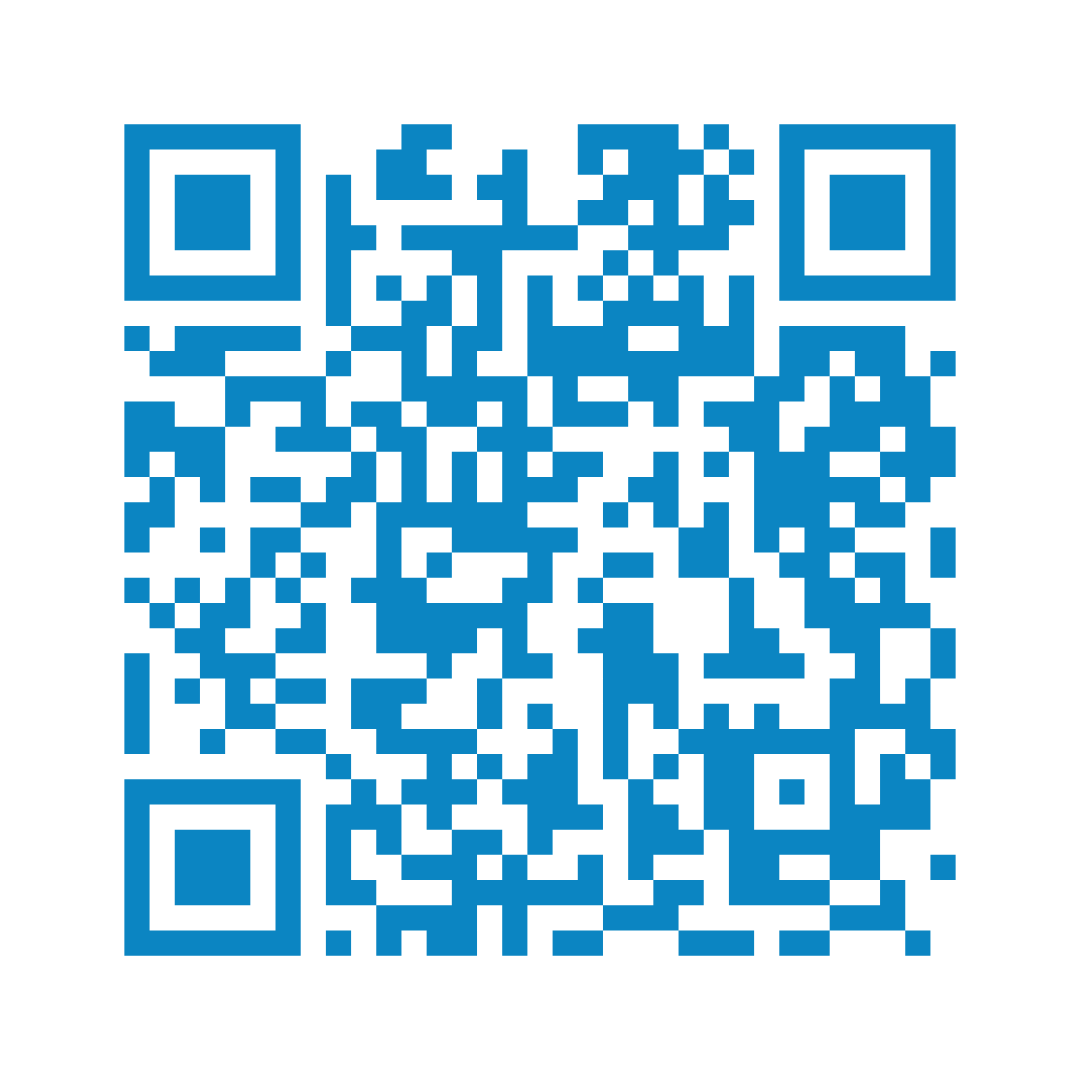
iPhone / iPad
Scan to download from the App Store.
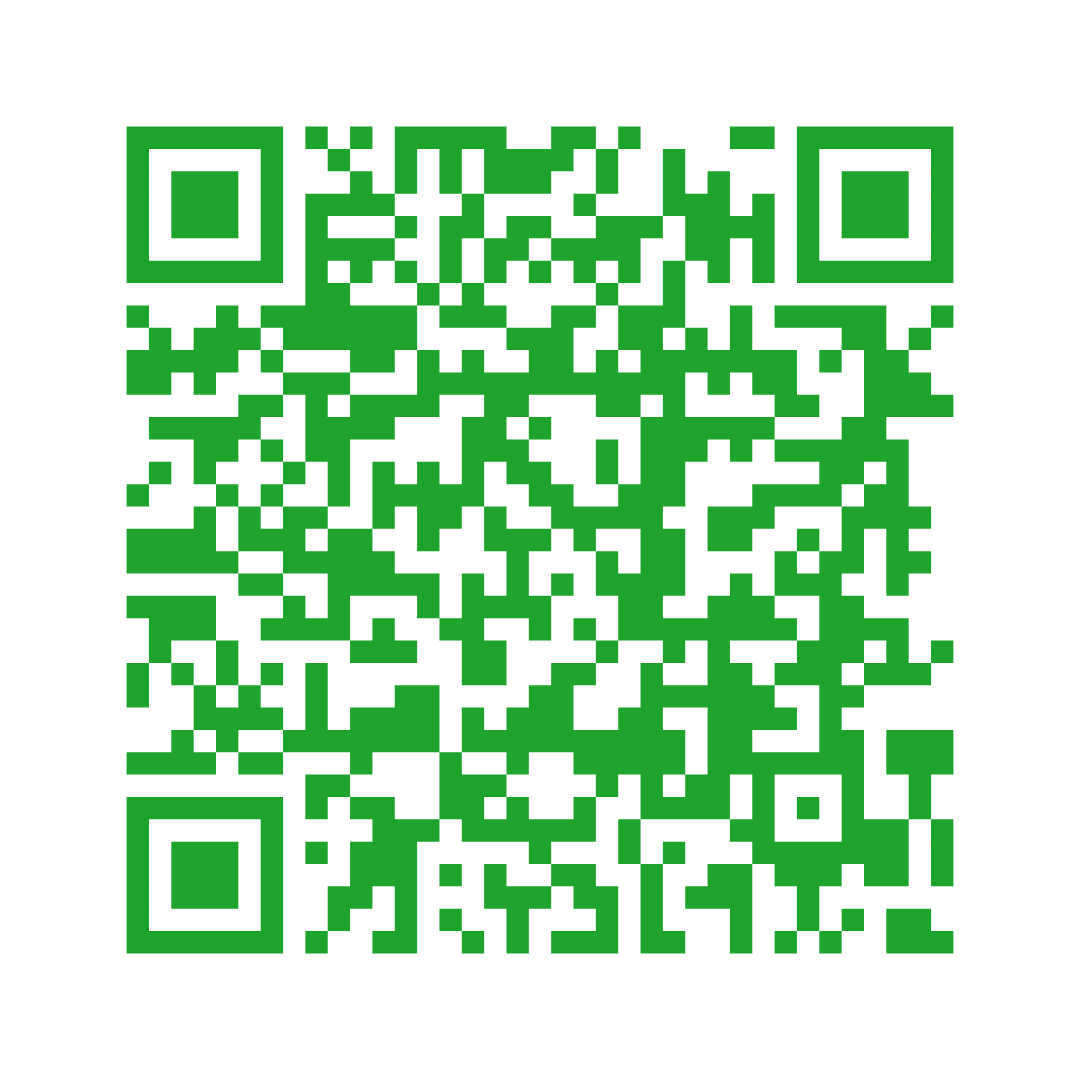
Android
Scan to download from Google Play.
WEB VMS Cloud Portal
Access your AIBASE system from any modern web browser—no software installation required. View live video, playback recordings, manage devices, and monitor multiple locations from anywhere.
Helpful Setup Videos
Frequently watched AIBASE software set-up videos.
One Minute AIBASE VMS Cloud Pro Set Up
How to add cameras and connect to the Mobile App.
AI Color Pro Mobile App Tutorial
Create account, add devices, set up AI and notifications.
AIBASE Web VMS Walk-thru
Complete walk-thru with demo.
Explore our complete library of installation guides, software tutorials, and feature walkthroughs.
More Resources
AIBASE AI Color Pro User Guide
Use this guide to get familiar with system setup, mobile app access, NVR basics, camera connection, and first-time configuration.
AIBASE Quick Start Leaflet PDF
An AIBASE-branded 1-page leaflet to help users get their system up and running.
View leaflet →Friday Live Solutions Training
Weekly live webinars geared for security professionals to expand their repertoire.
Explore Trainings →Product Spotlight Videos
Watch camera demo footage and learn about flagship products.
Browse Spotlights →Need Help with Something Else?
We'd love to hear from you. We're available on Live Chat, online ticket, or by phone.
Contact Ameta Tech Support